
Coming soon to iPhone and iPad
A digital notebook worth writing in
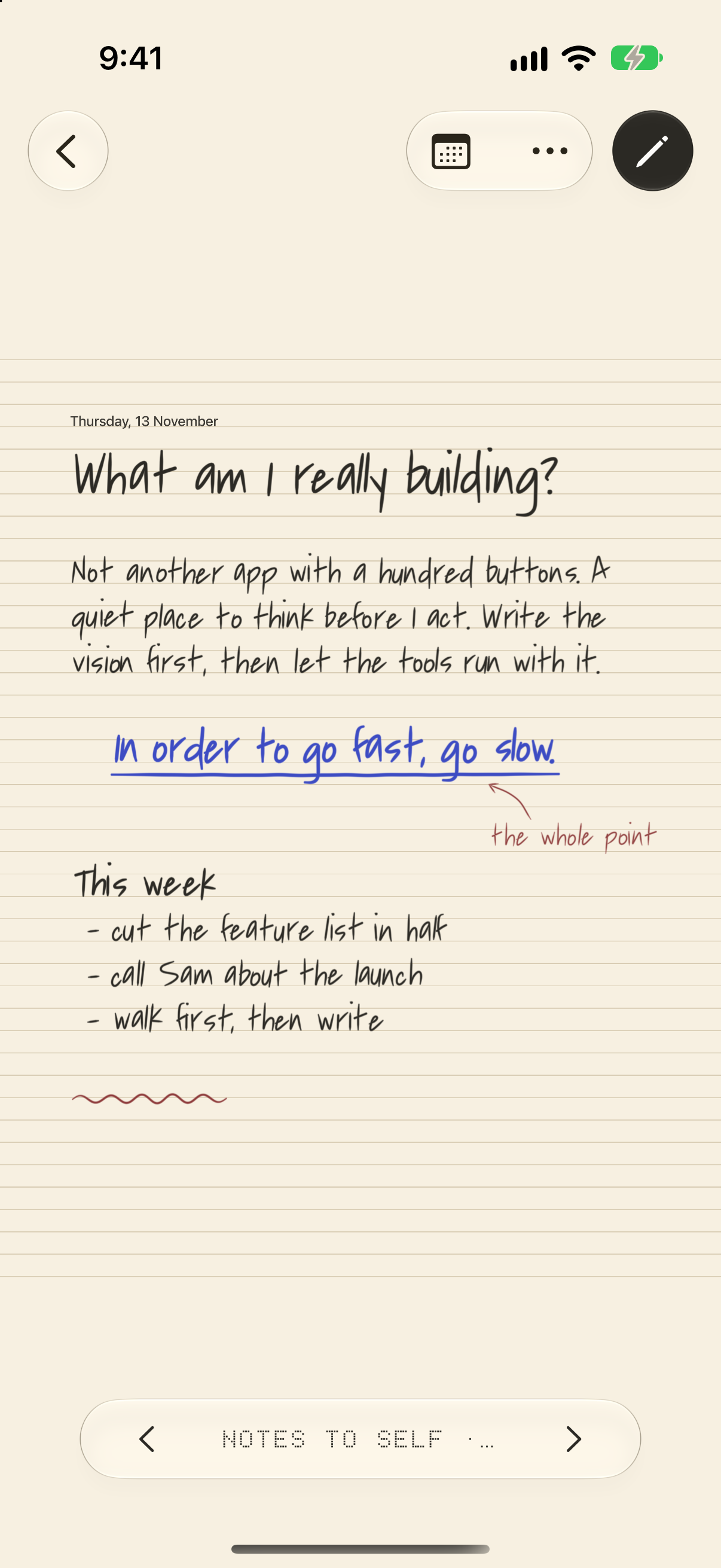
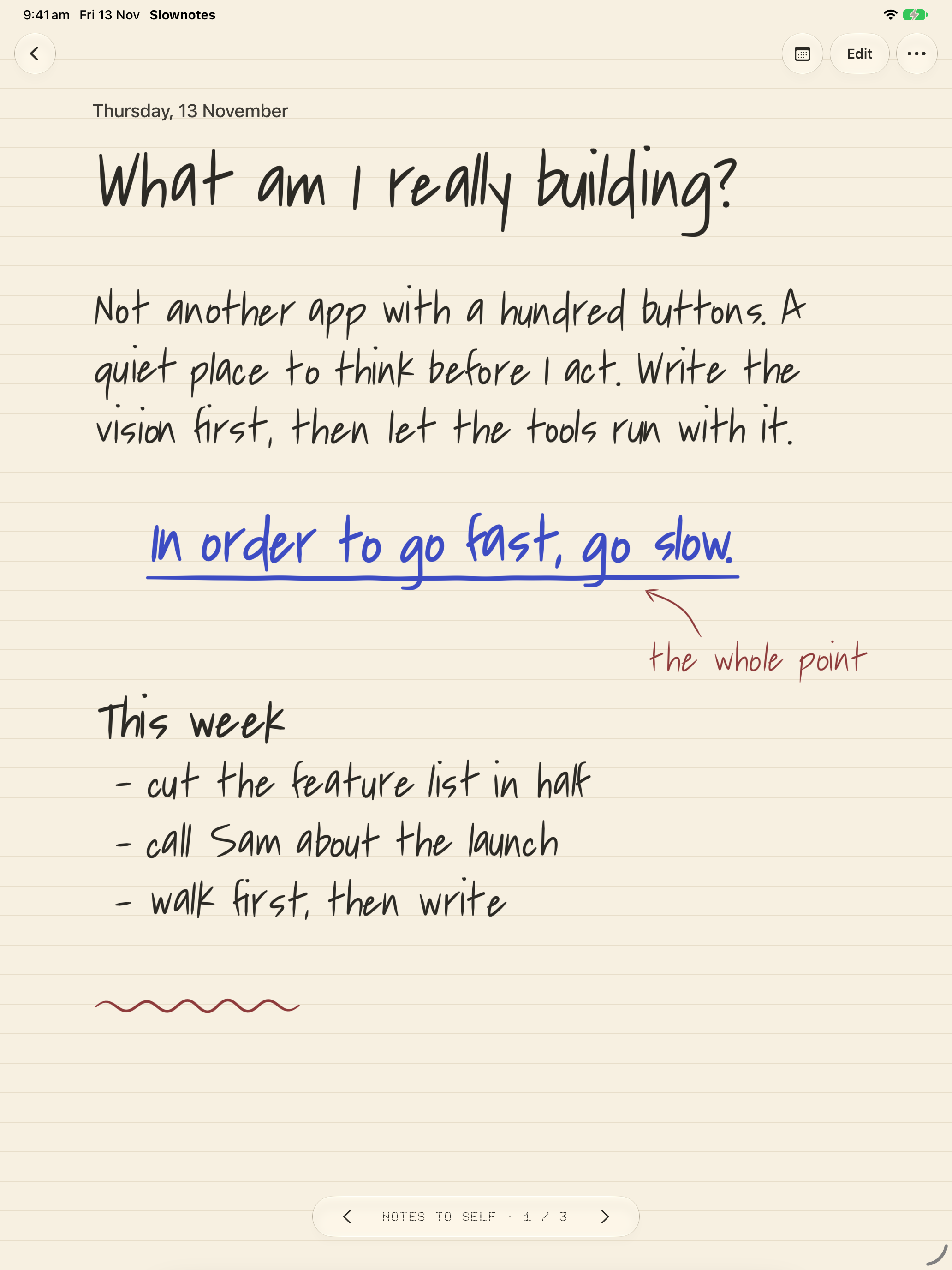
Every idea gets a page with edges, on a cover and paper you choose. Write with Apple Pencil or your finger.
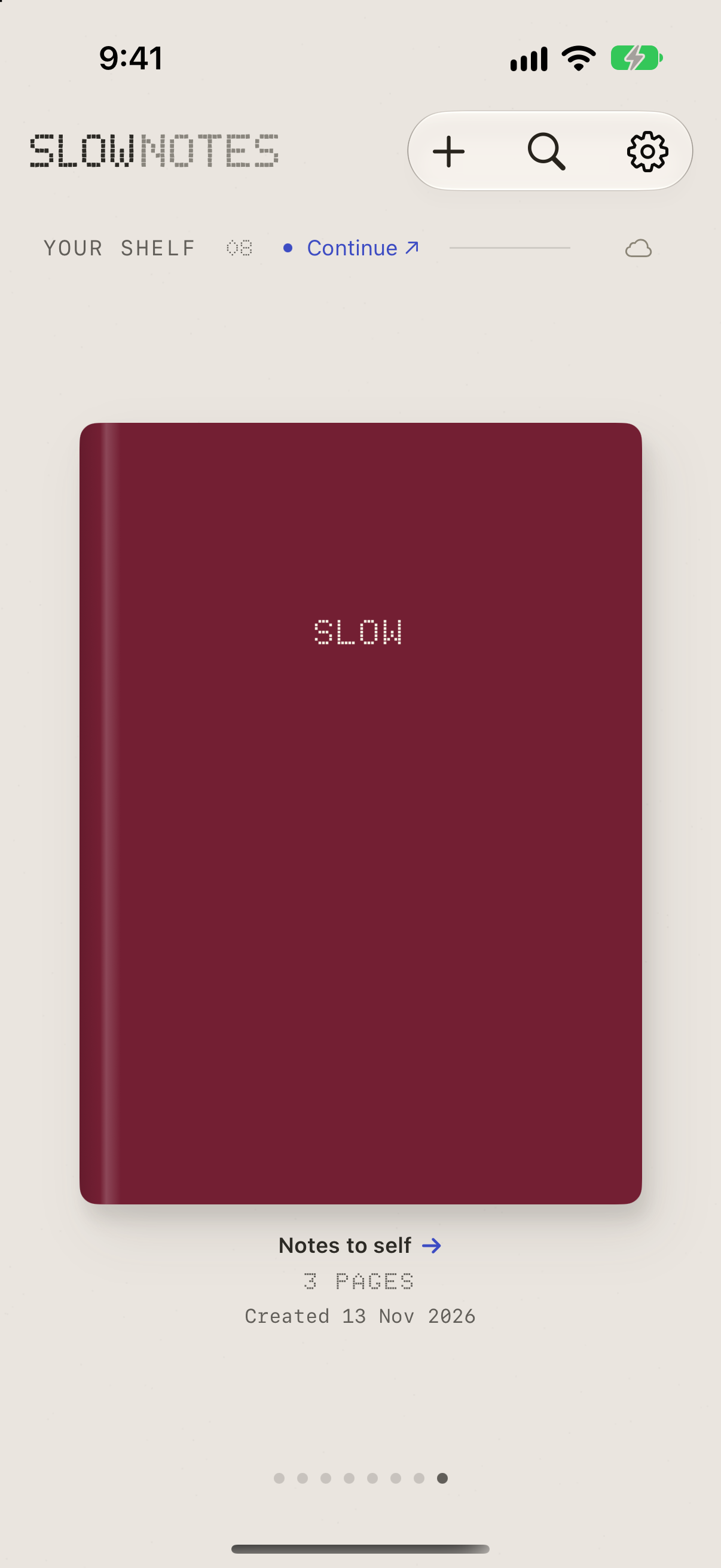
ONE NOTEBOOK
Everything a paper notebook does, and four things it can’t
Handwriting on paper you choose
Plain, dotted, lined or grid paper, in white, cream, grey or charcoal. Every page ends where a paper page would.
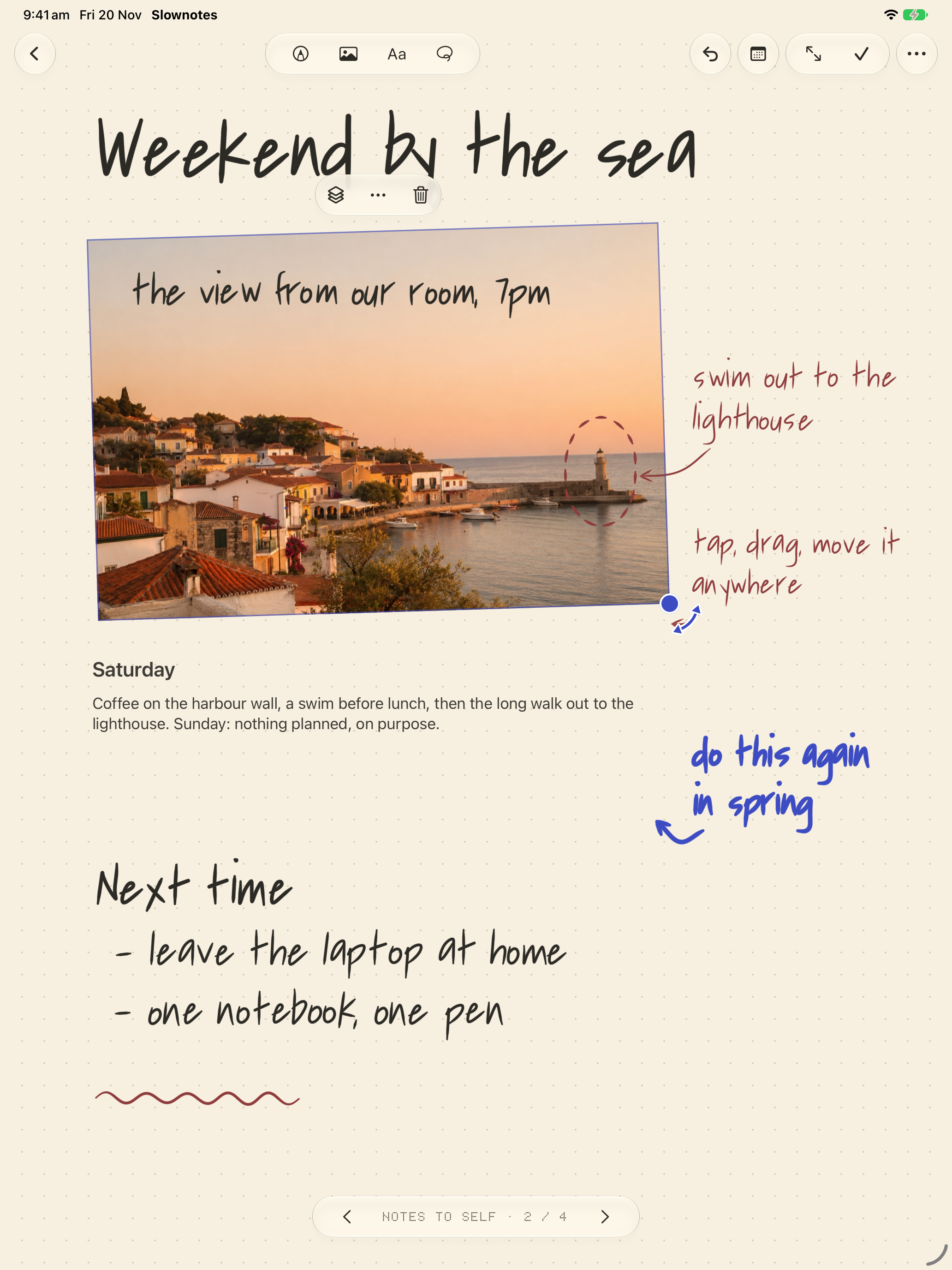
Ink, type and photos on one page
Type a heading, drop in a photo and write around it. Select anything to move or resize it as the idea changes.
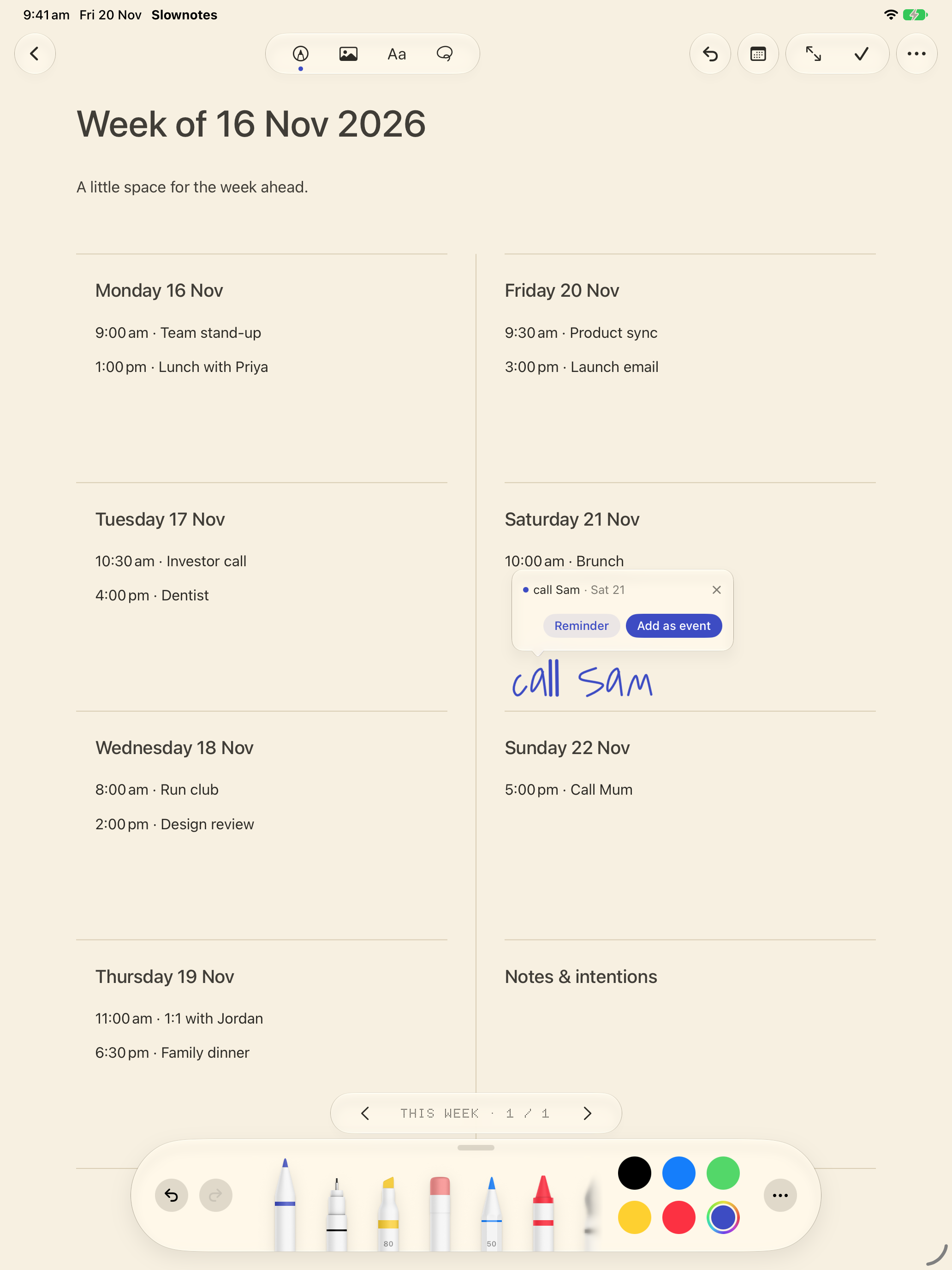
A planner that syncs with your calendar
Daily, weekly and monthly pages show your events and reminders. Write “call Sam” on Saturday and Slownotes offers to add it.
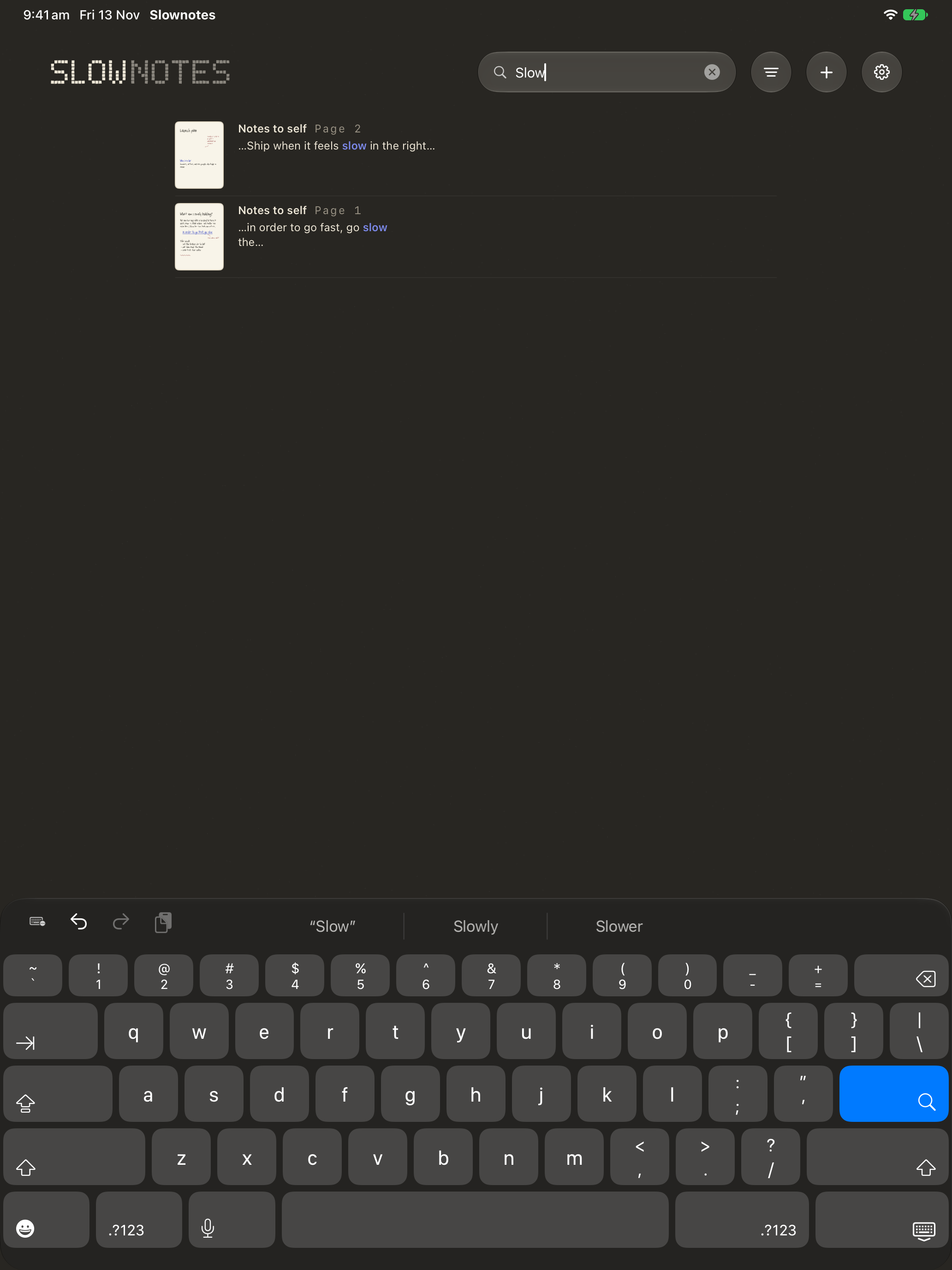
Search that reads your handwriting
Slownotes reads your writing on your device, so search finds what you wrote by hand as well as what you typed.
COVERS 14
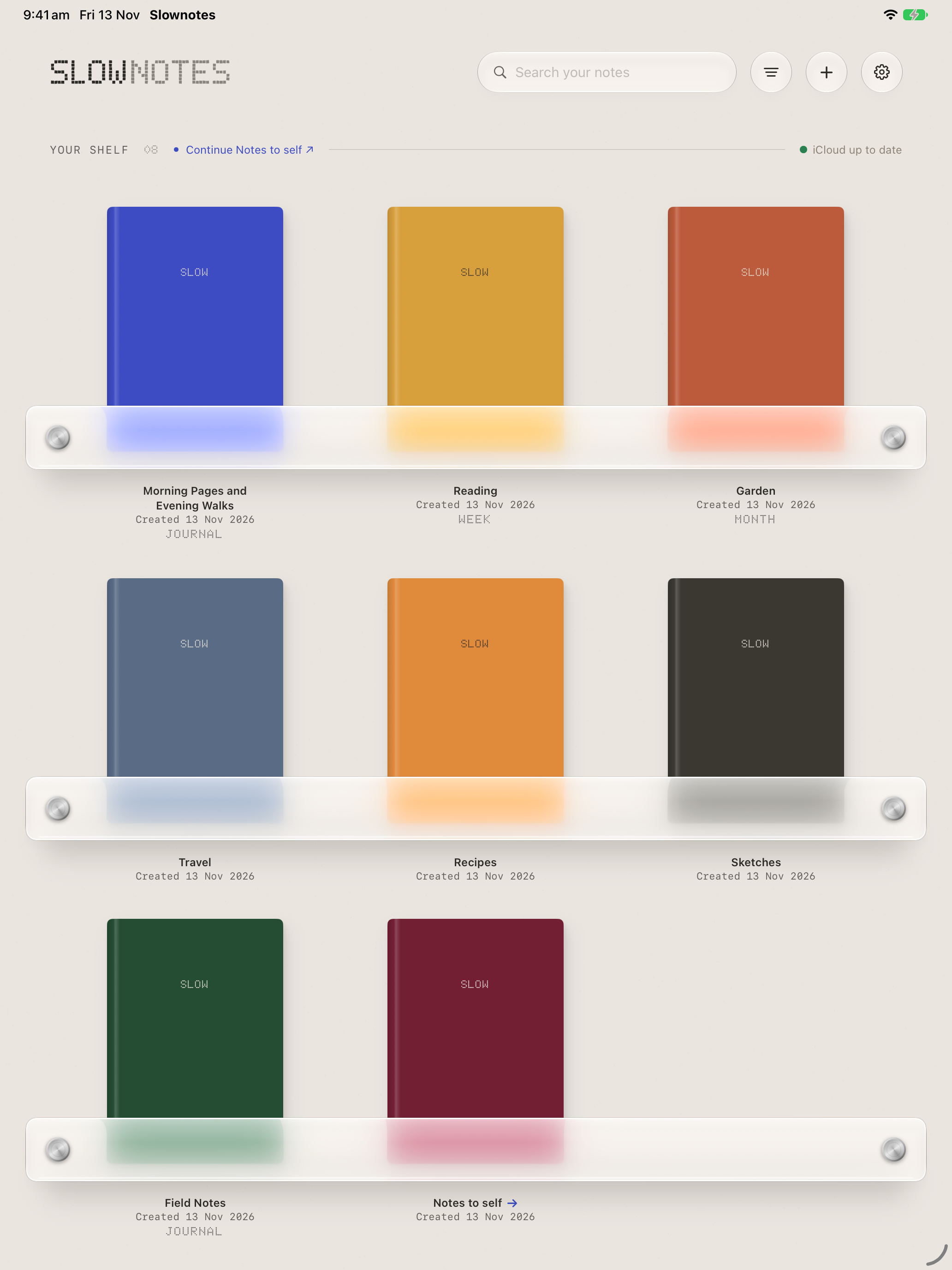
A cover for every notebook
Ten colours, Night Sky and three leathers. Pick one when you start a notebook, change it whenever you like.
01 of 14
Cobalt 01/14
PRIVATE
Your notes stay yours.
Your notebooks live on your device and sync through your own iCloud, never through a server of ours.
No account
Open the app and start writing. There’s nothing to sign up for.
Your own iCloud
Pages sync between your iPad and iPhone through your Apple Account.
QUESTIONS
Questions about Slownotes
Something else? Write to us and a person who builds Slownotes will answer.
Which devices does Slownotes run on?
iPhone and iPad with iOS 26 or later, including iPhone Duo. Your notebooks sync between them through iCloud.
Do I need an Apple Pencil?
No. Apple Pencil feels closest to paper on iPad, but you can write with your finger on any device.
What does it cost?
Slownotes starts with a free trial of Slownotes Pro. After that, you choose a plan in the app. The App Store shows each price in your currency before you pay.
What happens if my subscription ends?
Your notebooks stay safe and unchanged. The Start here notebook stays open, and you can export any notebook as a PDF.
How do I cancel?
Through Apple: tap Manage Subscription in Slownotes’ Settings, or open Subscriptions under your Apple Account in the Settings app.
Can I get my notes out?
Yes. You can export any notebook as a PDF, with or without a subscription.